Jujutsu Ragdoll Sandbox Sukuna & Gojo Showcase
Study a dual-character ragdoll showcase, then recreate it in your solo instance.
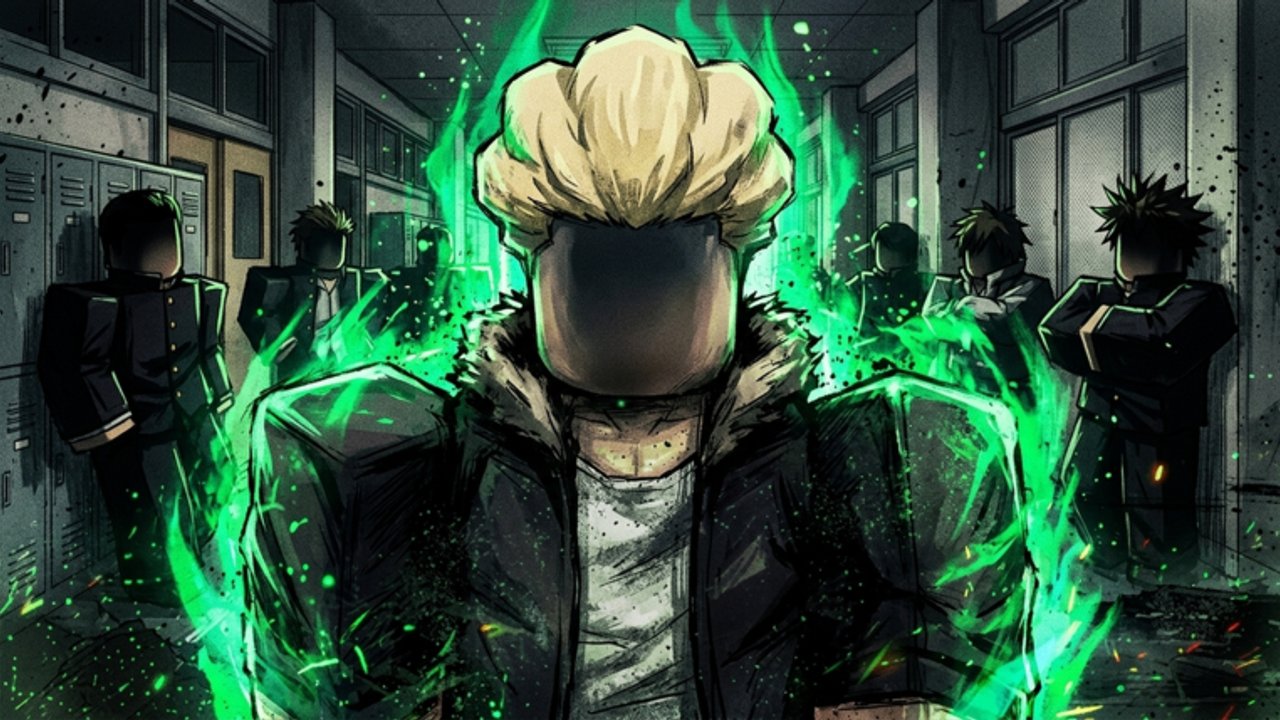
Dual-character showcases are the fastest way to feel why Jujutsu Ragdoll Sandbox exists. The verified video embedded on this page—Jujutsu Ragdoll Sandbox: Sukuna & Gojo Showcase by CoLoRs (YouTube ID xDDqxx57_b0)—puts the King of Curses beside the Honored One fantasy inside Infinite Void Interactive’s solo Roblox sandbox. Use this walkthrough to know what to watch for, then recreate the beats against interactive dummies on your own maps.
Complementary reading: Gojo, Sukuna, Cursed Techniques, and King of Curses.
Why this showcase matters
Gojo and Sukuna are the two highest-recognition featured faces in the experience. Seeing them back-to-back teaches:
- How Limitless-style Reversal Red, Maximum Blue, and Hollow Purple read on camera
- How Sukuna’s King of Curses pressure differs in pacing and impact silhouette
- How ragdoll arcs change when the caster kit changes but the dummy and map stay comparable
- How creators frame knockback so clips stay readable on mobile feeds
Because your game instance is solo, you will not duel the other character live. Instead you swap kits and recreate showcase beats one side at a time—or record separate takes and edit them together if you make content.
How to watch the mid-article video
Play the embed below this section’s guidance in your head (the generator places the video mid-article). On first watch:
- Do not mash abilities in another window—just observe.
- Note every time the creator changes distance to the dummy.
- Flag moments where the camera pulls wide before a finisher.
- Mark any UI flashes that reveal ability names or slots.
- Rewatch once with pause ready so you can freeze on Red, Blue, Purple, and Sukuna finishers.
Second watch goals:
- Count how many casts happen before a big ragdoll
- Spot whether Blue-style pulls set up later hits
- Compare idle animations and movement swagger between Gojo and Sukuna takes
What the showcase demonstrates
Gojo segments
Expect clear Limitless billboard moments:
- Reversal Red bursts that shove dummies outward
- Maximum Blue attraction or control beats that gather targets
- Hollow Purple as the headline collision finisher
Sandbox takeaway: Gojo is the tutorial for official technique literacy. If your Purple lanes look messy, return to open maps and the drills on Cursed Techniques.
Sukuna segments
Expect King of Curses presence—heavier silhouettes, aggressive timing, and finishers that sell dread even in a friendly dummy lab. Sandbox takeaway: Sukuna is less about copying Gojo’s Red/Blue/Purple literacy and more about owning oppressive pacing. Deep dive: King of Curses and Sukuna.
Shared production lessons
Great showcases—CoLoRs’ included—usually share habits you should steal:
- Clean map selection with readable skyboxes
- Patience after impact so physics can act
- Character swaps that feel intentional, not frantic
- Minimal HUD clutter when a finisher lands
Recreate the showcase in 25 minutes
- Redeem codes on Codes so cosmetics from BUGFIXES, SORRYFORDELAY, MAHITO, PATCHWORK, or ACT2 do not interrupt mid-recording.
- Open RAIDS and clear red chests—Raids and Chests—before you hit record.
- Load Gojo on an open map. Film Red, Blue, then Purple with five seconds of stillness after each hit.
- Swap to Sukuna. Film two pressure strings and one finisher at the same dummy range you used for Purple.
- Review both clips. Ask which kit felt easier to frame; store that note for the Character Tier List.
- Optional: Add Choso or Mahito B-roll later using Players profiles so your edit has roster depth.
Comparing the two kits fairly
| Lens | Gojo focus | Sukuna focus |
|---|---|---|
| Literacy | Best for learning Red/Blue/Purple | Best for learning oppressive cadence |
| Clip style | Bright, geometric finishers | Darker, heavier impacts |
| Beginner fit | Excellent first main | Excellent second main |
| Sandbox tier talk | High spectacle, high clarity | High spectacle, high menace |
Neither kit is “wrong.” The showcase’s point is contrast. Your Tier List Hub ranking should reflect which fantasy you enjoy performing, not an imaginary ranked ladder—this place has maxPlayers 1.
Common mistakes when copying showcases
- Trying to play both kits simultaneously — swap takes instead.
- Standing too close for Purple — back up like the video does before big lanes.
- Cutting the camera early — let ragdolls finish.
- Ignoring Settings — bad sensitivity ruins recreations; see Controls.
- Using unverified video IDs — this page only references the real CoLoRs showcase.
After you finish recreating
- Read Gojo and Sukuna for lore-flavored sandbox tips.
- Run the Sukuna-only video companion on King of Curses (Axel_play,
h4IQ9LHuYH0). - Return to Getting Started if friends ask how to begin; send them that page plus this showcase.
Session template you can reuse
Warm-up (5 min): Settings check, code redeem, RAIDS open.
Gojo block (8 min): Red → Blue → Purple with notes.
Sukuna block (8 min): Pressure → finisher with notes.
Review (4 min): Pick one improvement for tomorrow (camera, spacing, or timing).
Repeat whenever Infinite Void Interactive ships a patch that touches animations or physics. Showcases go stale if you never re-test; your private sandbox makes re-testing free.
Mastering what CoLoRs demonstrates is less about frame-perfect mimicry and more about understanding why Gojo teaches clarity while Sukuna teaches weight. Film both, keep the dummies flying, and let the ragdolls sell the rivalry even though you are gloriously alone in the instance.
Frequently Asked Questions
Quick answers to the most common questions.
Which YouTube video does this page use?
CoLoRs’ Jujutsu Ragdoll Sandbox: Sukuna & Gojo Showcase (ID xDDqxx57_b0).
Can I fight Sukuna versus Gojo in one instance?
No. The experience is solo. Swap characters and film separate takes to compare kits.
Should beginners start with Gojo or Sukuna?
Gojo is clearer for learning Red, Blue, and Purple. Sukuna is a fantastic second main for heavier pacing.
What should I do before recording a recreation?
Redeem codes, open red chests in the RAIDS tab, and confirm sensitivity in Settings.